Optical character recognition: how software reads printed text
OCR turns scanned or photographed text into editable, searchable data. The process includes image cleanup, character recognition, and layout analysis. Modern systems use neural networks and transformers for higher accuracy.
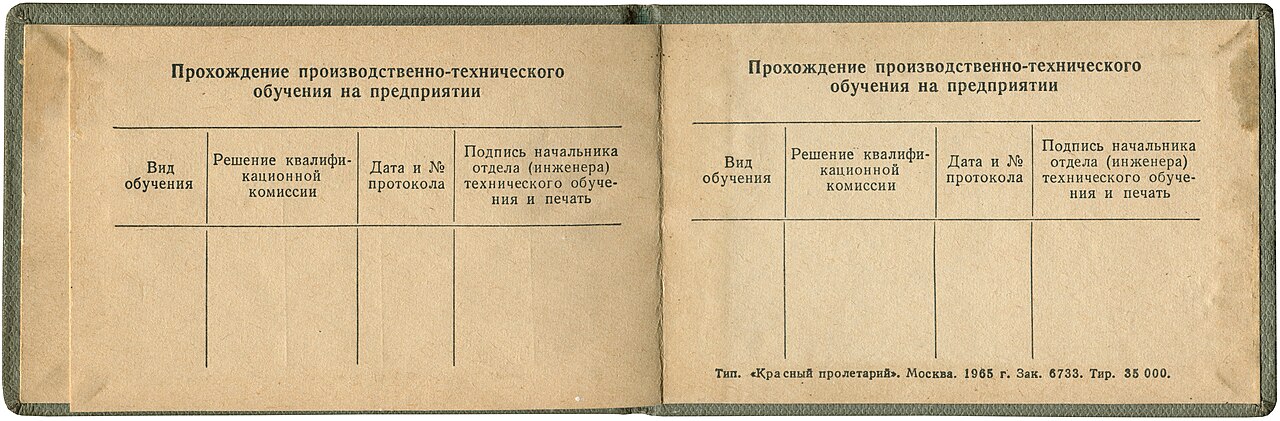

What OCR does
Optical character recognition (OCR) converts an image of text into a machine-readable text format, as explained by Amazon Web Services. For example, a scanned form or receipt becomes an image file that cannot be edited or searched directly.
By extracting text from images, OCR makes it possible to search, edit, and analyze the content. This capability supports digital archives, automated data entry, and artificial intelligence applications that read text from photos.
OCR reduces the need for manual transcription and helps organizations process large volumes of paper-based information.
How OCR works
OCR systems follow a sequence of steps, as outlined by IBM's OCR overview: image acquisition converts the document to a black-and-white bitmap, preprocessing corrects alignment and removes extraneous pixels, text recognition identifies characters via pattern or feature matching, and layout recognition divides the page into text blocks, tables, and images. Recognized characters are then converted to ASCII codes for further processing.
The quality of the input image significantly affects recognition accuracy. Poor scans, skewed pages, or low contrast can lead to errors, so preprocessing is essential to deskew and clean the image.
Recognition techniques
Classic OCR engines use pattern matching or feature extraction, but modern systems have adopted neural networks. The Tesseract OCR project introduced a neural net (LSTM) based engine in version 4, which focuses on line recognition and supports many languages out of the box.
Transformer-based approaches represent a further evolution. The TrOCR model described in an arXiv paper uses transformer architectures for both image understanding and text generation, achieving strong results on printed, handwritten, and scene text recognition after pre-training and fine-tuning.
These advanced techniques handle complex layouts and improve accuracy beyond traditional template matching.
OCR services and use cases
Cloud services provide accessible OCR APIs. The Google Cloud Vision documentation describes two detection features: TEXT_DETECTION extracts text from any image, returning words and bounding boxes, while DOCUMENT_TEXT_DETECTION is optimized for dense text and documents, providing page, block, and paragraph structure.
Microsoft Azure's OCR overview details the Read engine, which supports printed and handwritten text in multiple languages. It accepts JPEG, PNG, BMP, PDF, and TIFF files, with specific image size and text dimension limits.
OCR is used in document digitization, intelligent search, and automation, such as converting scanned invoices into searchable data or reading street signs for navigation systems.
| Output format | Description |
|---|---|
| Plain text | Extracted text as a simple text file |
| hOCR | HTML-based format with layout and bounding box information |
| Searchable PDF with a text layer | |
| Invisible-text-only PDF | PDF with invisible text overlay for search functions |
| TSV | Tab-separated values for data processing |
| ALTO | XML-based standard for OCR output |
| PAGE | XML format for page analysis data |
Frequently asked questions
Can OCR read handwriting?
Yes, several OCR systems support handwriting recognition, including Microsoft Azure's Read engine and Google Cloud Vision's document text detection, though accuracy may vary with the quality of the handwriting.
What languages does OCR support?
Tesseract can recognize more than 100 languages out of the box, and Microsoft Azure supports a wide range of printed and handwritten languages, including Latin, Cyrillic, Arabic, and Devanagari scripts.
How accurate is OCR?
Accuracy depends on image quality and the engine used. IBM notes that modern products can deliver near-to-perfect OCR accuracy for printed text, while poor scans often require preprocessing to improve results.
Is there open source OCR software?
Yes, Tesseract is an open source OCR engine available under the Apache License 2.0, with support for many languages and output formats.