Running AI models locally: runtimes, file formats and hardware
Running AI models locally requires choosing a runtime engine, a model file format, and hardware that matches the model's memory and compute demands. Common formats are GGUF for llama.cpp-based tools and ONNX for the ONNX Runtime. Hardware options range from CPUs and GPUs to NPUs, with quantization reducing memory usage.
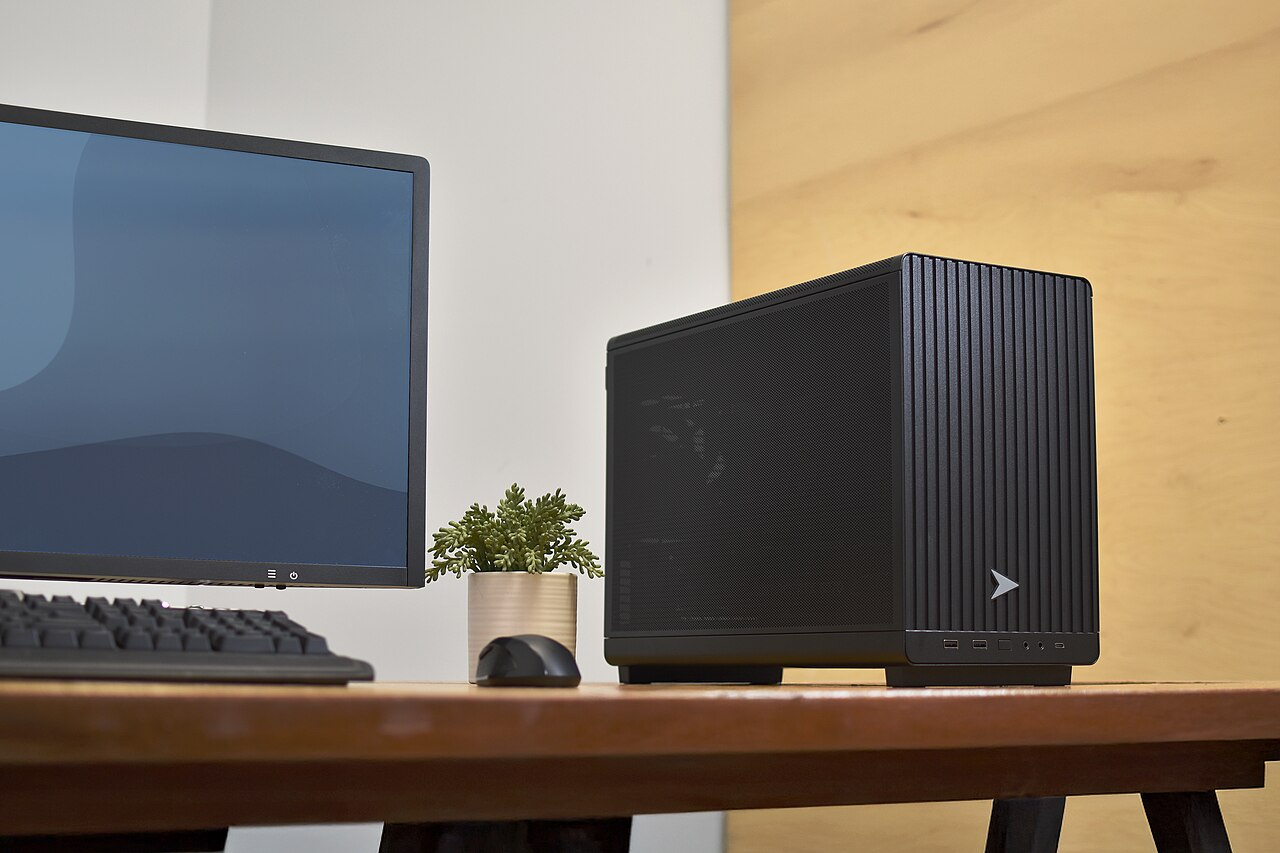

Local inference: the parts of the stack
Local AI inference is the process of running a trained model on a personal computer or server rather than sending data to a cloud service. The three main parts are the model file itself, the runtime that executes it, and the hardware that provides compute and memory.
The model file stores the weights and architecture in a specific format. The runtime reads that file, applies optimizations, and schedules operations across available processors. Hardware determines how fast inference runs and how large a model can fit, often with respect to video memory on a graphics card.
Because the stack is modular, users can mix a format, a runtime, and a device that suit their needs. For example, the same model weights can be converted from PyTorch to GGUF for use with llama.cpp, or to ONNX for use with ONNX Runtime. A gaming PC guide can help when selecting hardware with enough memory and compute for local inference.
Model file formats: GGUF and ONNX
GGUF is a binary format optimized for quick loading and saving of models, designed for use with GGML and other executors, according to Hugging Face's GGUF documentation. It encodes both the tensors and a standardized set of metadata, unlike tensor-only formats such as safetensors. Models developed in PyTorch can be converted to GGUF using a dedicated conversion tool.
GGUF supports various quantization types, from 64-bit floating point down to 1-bit integer quantizations. For example, the Q4_K type uses super-blocks and yields 4.5 bits per weight, while IQ1_M provides 1.75 bits per weight. These quantized variants reduce memory footprint and speed up inference on many devices.
ONNX is an open format that can represent models from PyTorch, TensorFlow, Keras, TFLite, scikit-learn, and other frameworks. The ONNX Runtime documentation explains that it is a cross-platform model accelerator with a flexible interface to integrate hardware-specific libraries. ONNX models can be loaded and run on different operating systems and hardware, and the runtime applies graph optimizations and partitions the model into subgraphs for available accelerators.
Runtime engines: llama.cpp, Ollama, and ONNX Runtime
llama.cpp is a C/C++ implementation of LLM inference with minimal dependencies, optimized for a wide range of hardware, as described in the llama.cpp repository. It supports Apple Silicon via Metal, x86 with AVX and AVX2, RISC-V, and custom CUDA kernels for NVIDIA GPUs, plus HIP for AMD and Vulkan for many GPUs. A hybrid CPU+GPU mode can run models larger than the total video memory.
Ollama builds on llama.cpp to provide a user-friendly interface for downloading and running open models. The Ollama repository shows a REST API, Python and JavaScript libraries, and support for many model families. According to Ollama's homepage, the project sees over 9 million monthly installs and over 200 trillion tokens served, indicating its popularity. The CLI and Modelfile system let users create custom model definitions.
ONNX Runtime is a separate engine that executes ONNX models. It is used in Microsoft products and services, as the documentation notes, and can improve inference performance even without hardware-specific tuning. It supports multiple execution providers that can accelerate subgraphs on GPUs or other specialized hardware.
The choice of runtime often depends on the model format and the target hardware. For example, llama.cpp and Ollama are specifically oriented toward GGUF models, while ONNX Runtime is the standard way to run ONNX models on Windows and other platforms.
Hardware considerations: CPU, GPU, and memory
The biggest constraint for local inference is memory, because models hold billions of parameters. Quantization reduces the bits per weight, allowing larger models to fit in RAM or video RAM. For instance, a model with Q4_K quantization uses roughly 4.5 bits per weight, so a 7-billion-parameter model requires about 4 GB of storage.
The runtime decides how to use hardware. llama.cpp lists backends for CUDA on NVIDIA GPUs, Metal on Apple Silicon, Vulkan on many GPUs, and even CPU-only via BLAS. A dedicated GPU can dramatically speed up inference, but the CPU still handles memory management and non-GPU operations.
For users with a gaming PC, the video card is often the key component. A gaming PC guide can help identify models with enough video memory and compute power for local AI, though even integrated GPUs or NPUs on modern laptops can run small quantized models.
ONNX Runtime supports hardware-specific execution providers, and the ONNX Runtime documentation emphasizes that users should validate models for accuracy and performance. The runtime itself verifies that the model conforms to the ONNX specification, but malicious models could still consume excessive resources, so testing in a safe environment is recommended.
Platform support: running models on Windows
On Windows, developers can use several local inference technologies. The Microsoft Learn overview of Microsoft Foundry on Windows describes three options: Windows AI APIs, Foundry Local, and Windows ML. Windows AI APIs provide ready-to-use models for tasks like image description and video super resolution, optimized for Copilot+ PCs. Foundry Local offers large language and voice-to-text models, and Windows ML is an ONNX Runtime-based framework for running custom models from Hugging Face or other sources.
The Microsoft Learn page explains that Windows ML supports Windows 10 and later, and performance varies based on device hardware. Developers can use models from Hugging Face or train their own and run them locally, subject to compatibility and performance checks. Foundry Local and Windows ML both use ONNX Runtime, making the ONNX format a practical choice for cross-platform deployment.
Because the ecosystem is fragmented by runtime, format, and hardware, a practical approach is to choose a runtime that matches the model format and then verify that the hardware meets the memory and acceleration requirements. Tools like Ollama and llama.cpp simplify the first part, while a gaming PC guide helps with the hardware side.
| Runtime | Model formats | Supported backends | Interfaces |
|---|---|---|---|
| llama.cpp | GGUF | CPU, CUDA, HIP, Metal, Vulkan, SYCL, others | CLI, OpenAI-compatible server |
| Ollama | GGUF (via llama.cpp) | Same as llama.cpp, plus MLX for Apple Silicon | CLI, REST API, Python/JS libraries |
| ONNX Runtime | ONNX | Multiple execution providers for CPU, GPU, NPU | APIs for C++, C#, Python, Java, and more |
Frequently asked questions
What is GGUF and why is it used for local AI?
GGUF is a binary format optimized for quick loading and saving of models, designed for use with GGML executors like llama.cpp. It encodes tensors and metadata, and supports quantization to reduce memory use.
Can the same model run on different runtimes?
Usually a model must be converted to a format supported by the runtime. For example, a PyTorch model can be converted to GGUF for llama.cpp, or to ONNX for ONNX Runtime. The conversion preserves the weights but changes the container.
How does quantization affect model quality and speed?
Quantization lowers the number of bits per weight, reducing memory footprint and often increasing inference speed. Lower bit quantizations like 2-bit or 1-bit may cause some accuracy loss, so testing is recommended.
What hardware is needed to run a large language model locally?
The primary requirement is enough memory, either RAM or video RAM, to hold the model. A GPU with CUDA support accelerates llama.cpp, while Apple Silicon uses Metal. Small quantized models can run on CPU or integrated NPUs.
Is Windows ML the only way to run local models on Windows?
No, Windows ML is one option using ONNX Runtime, but users can also install Ollama or llama.cpp directly on Windows. Microsoft Foundry on Windows also offers Windows AI APIs and Foundry Local for ready-to-use models.